Join the beta





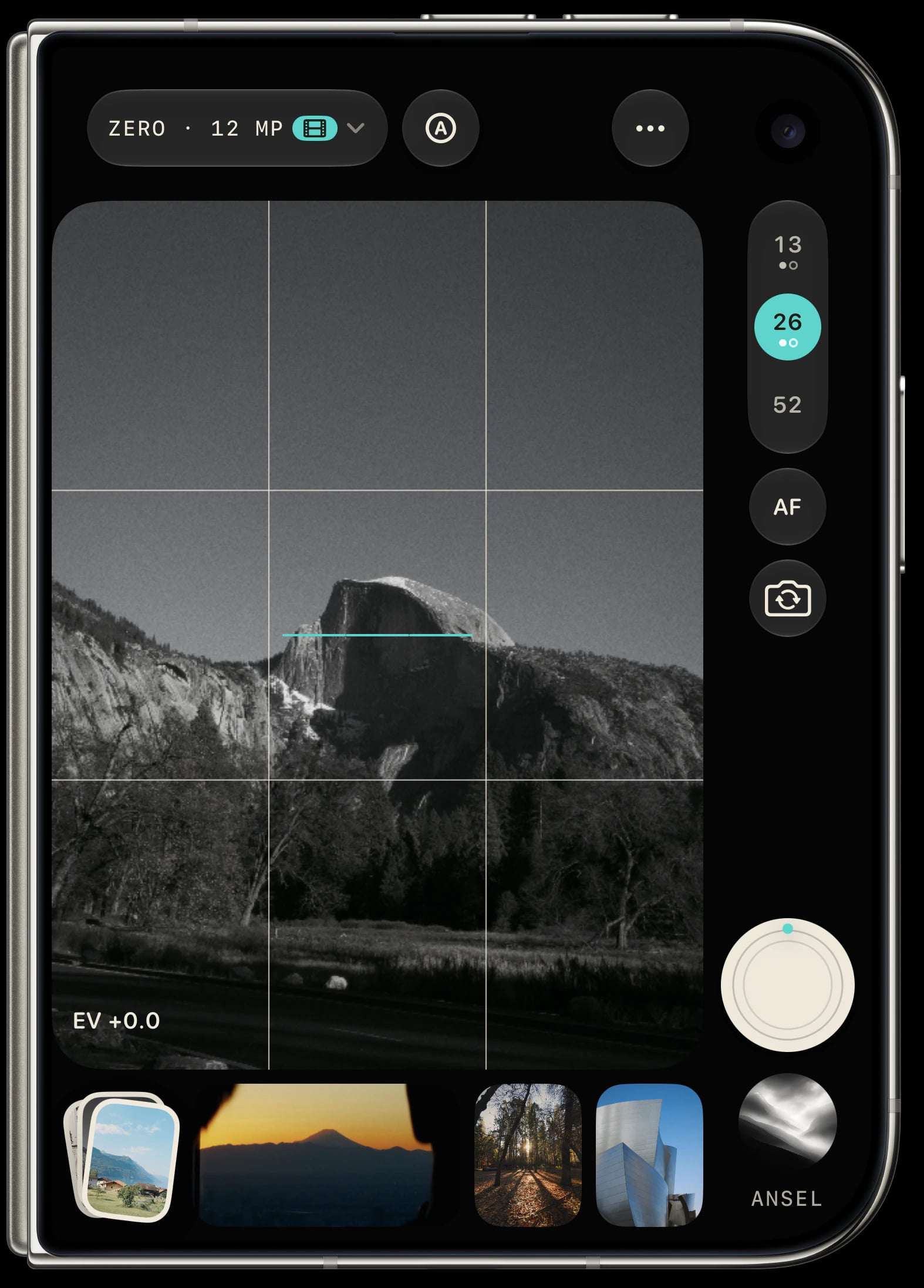
Beautifully handcrafted interface.
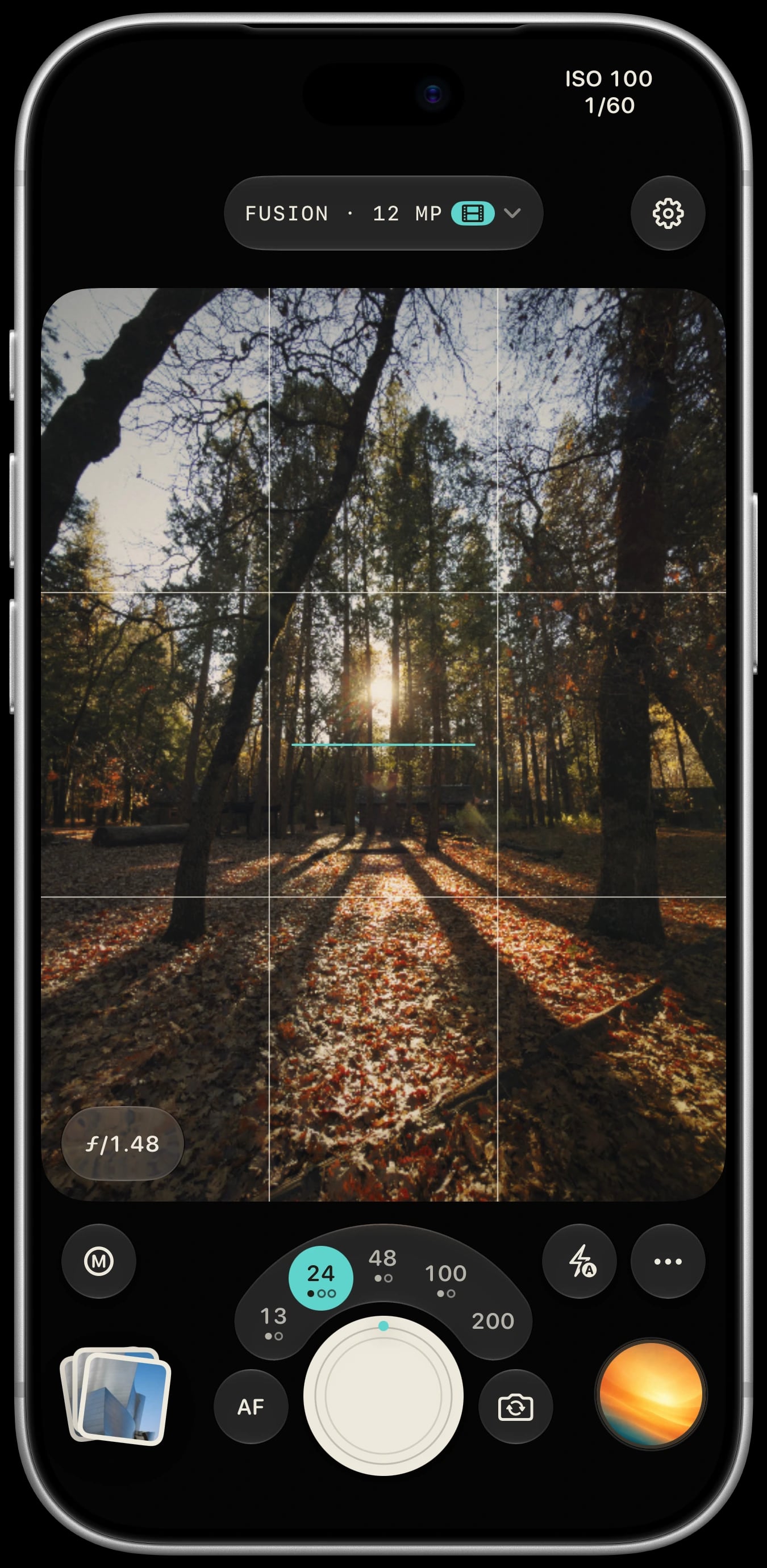
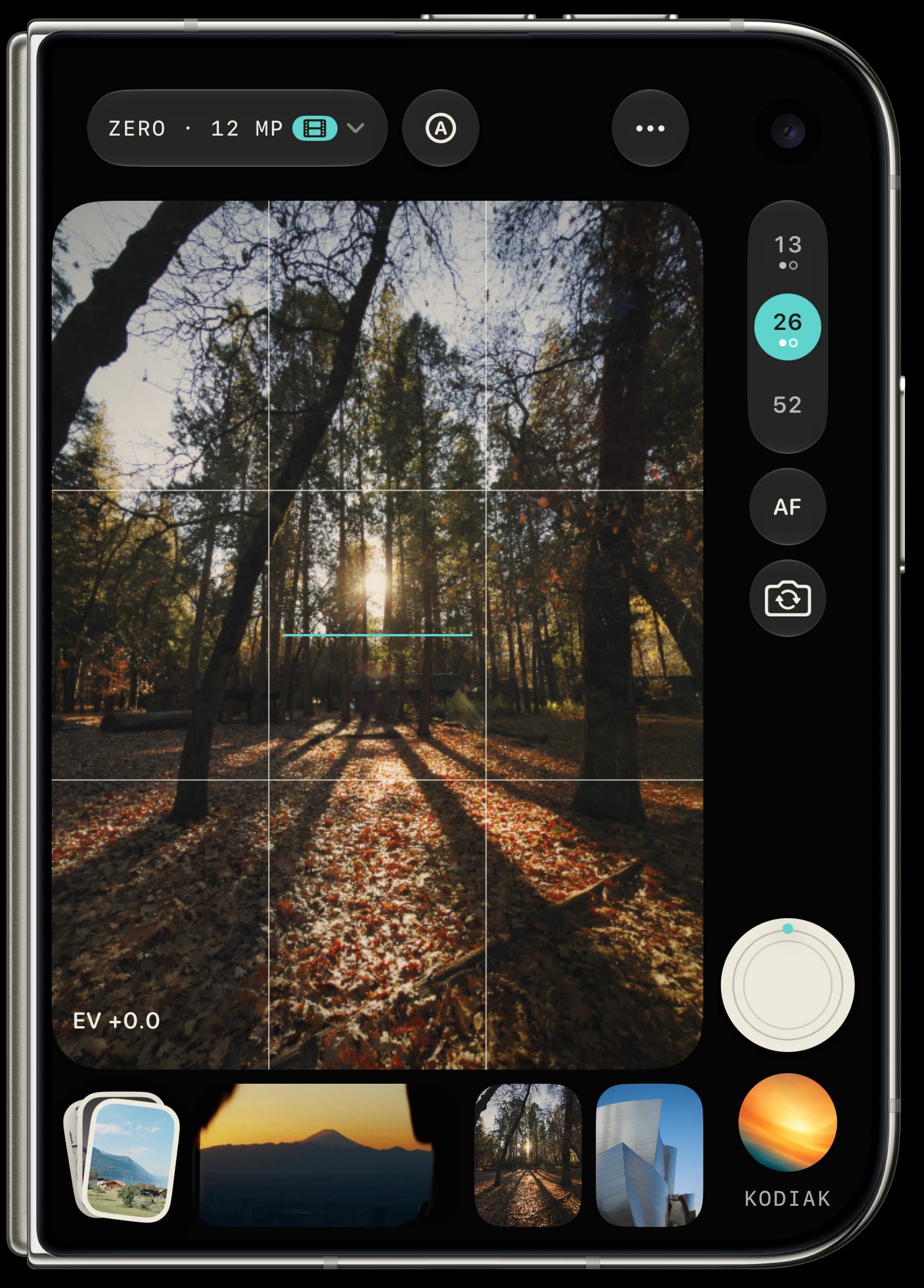
The focal-length picker and tactile haptics make Sundae feel like a camera in your hands while you compose the shot.
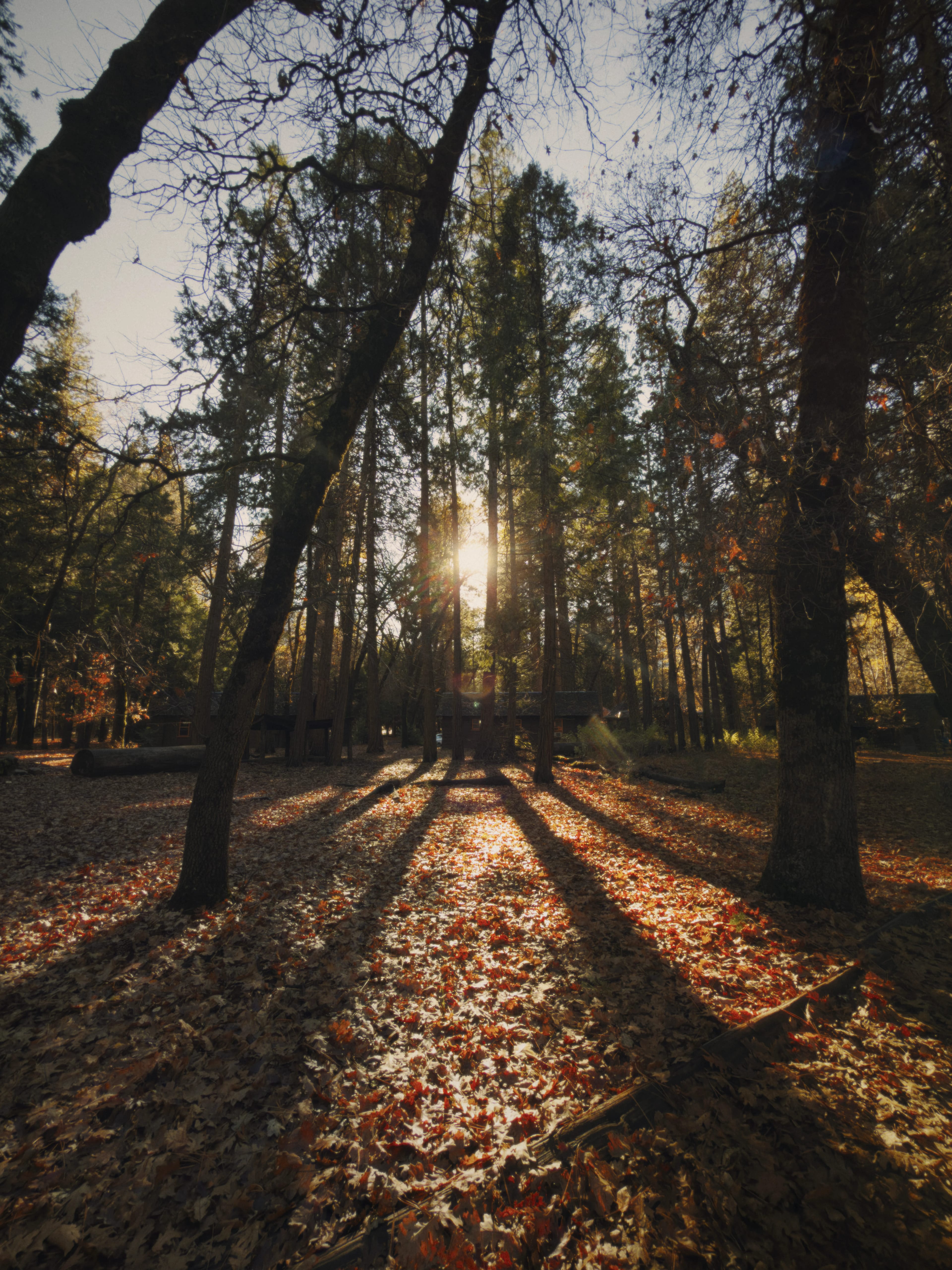
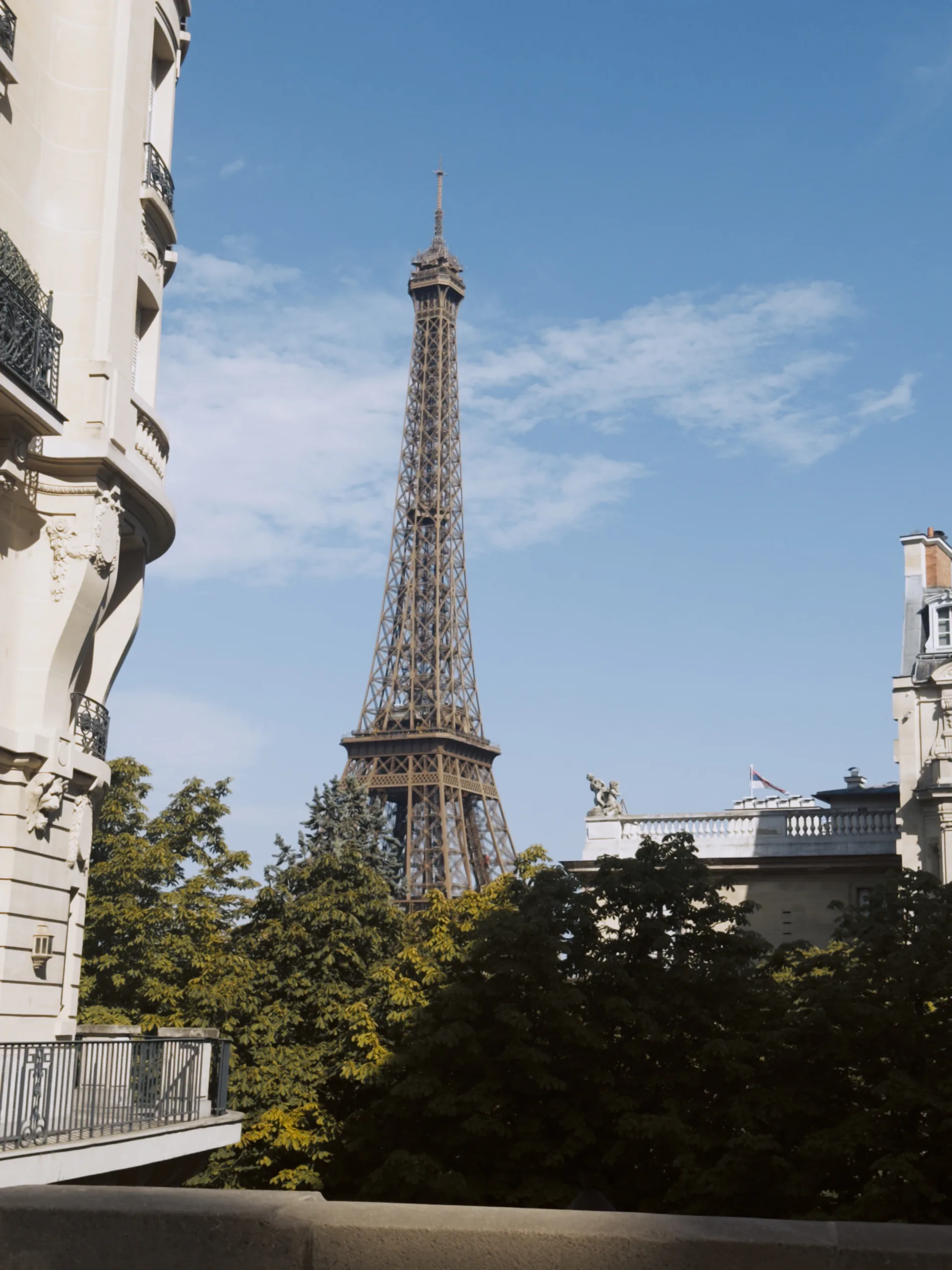
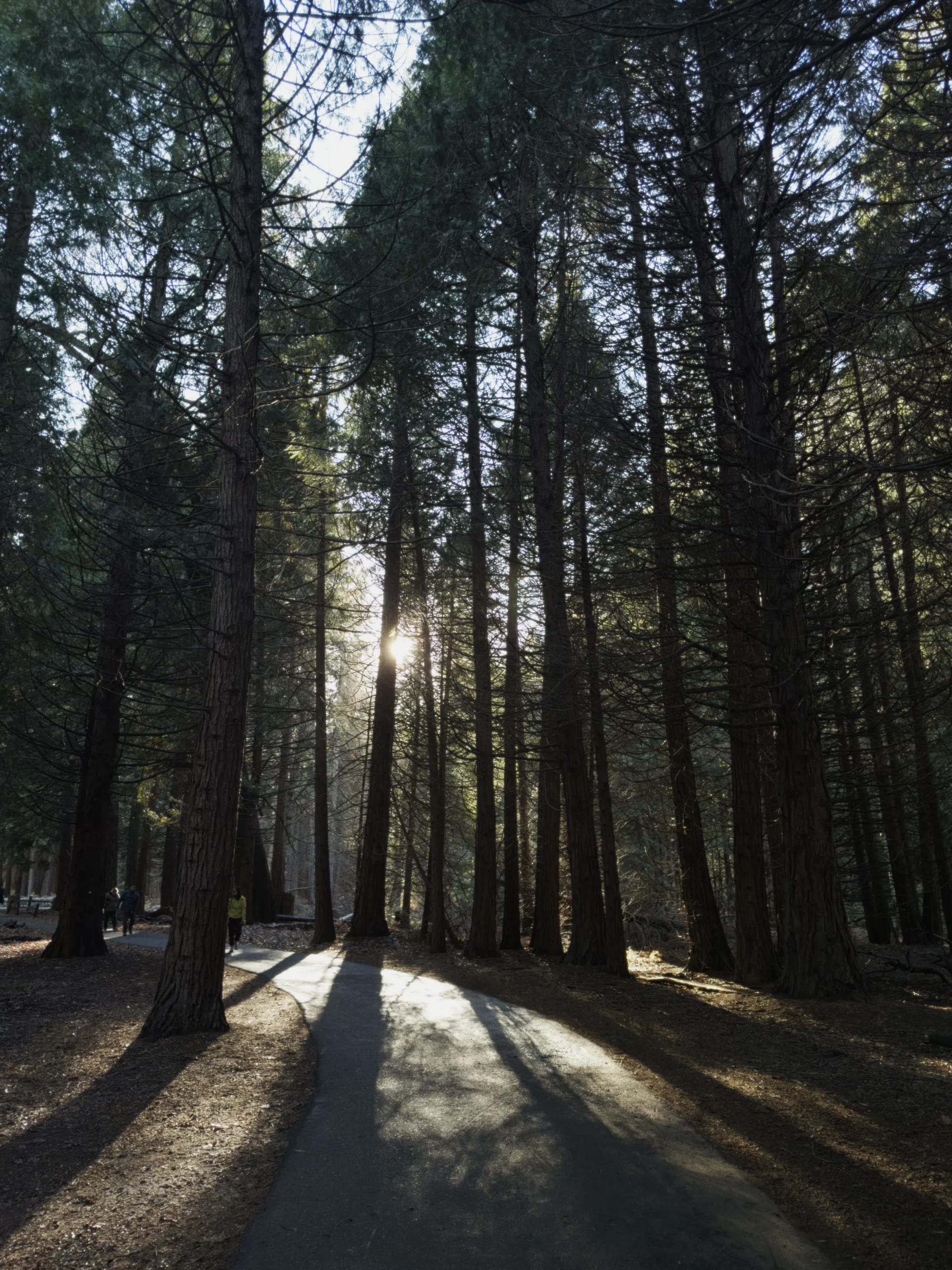
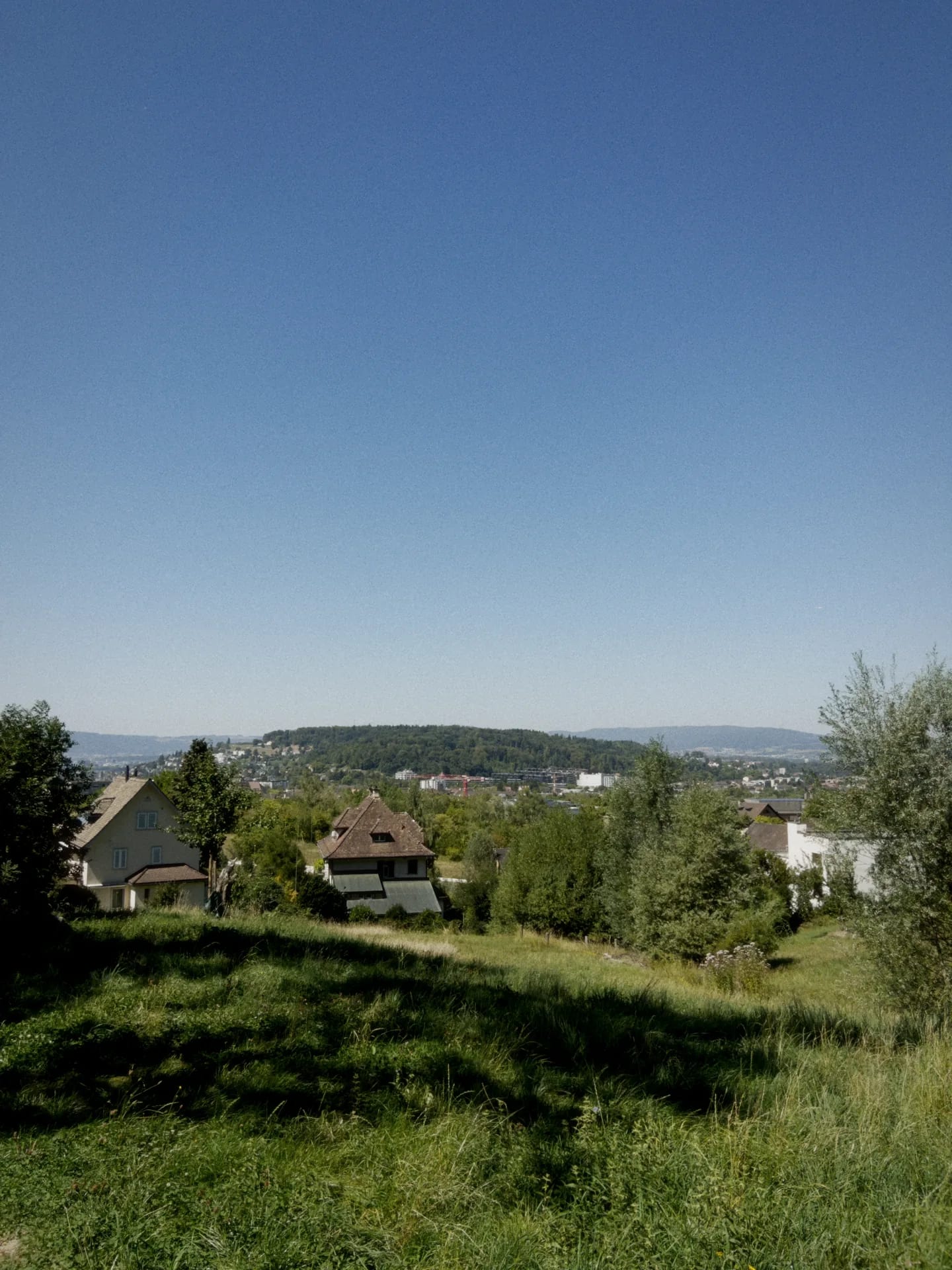
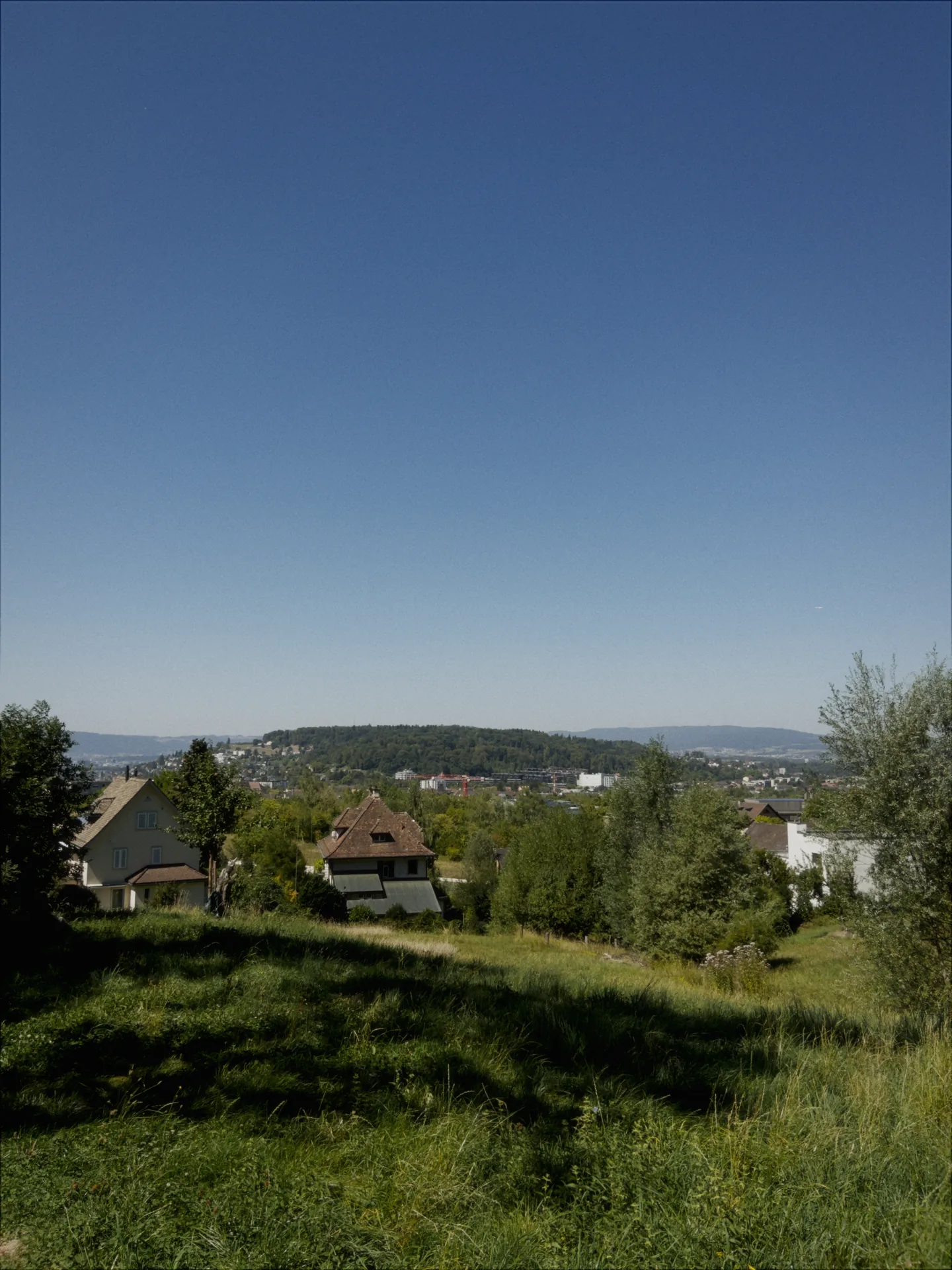
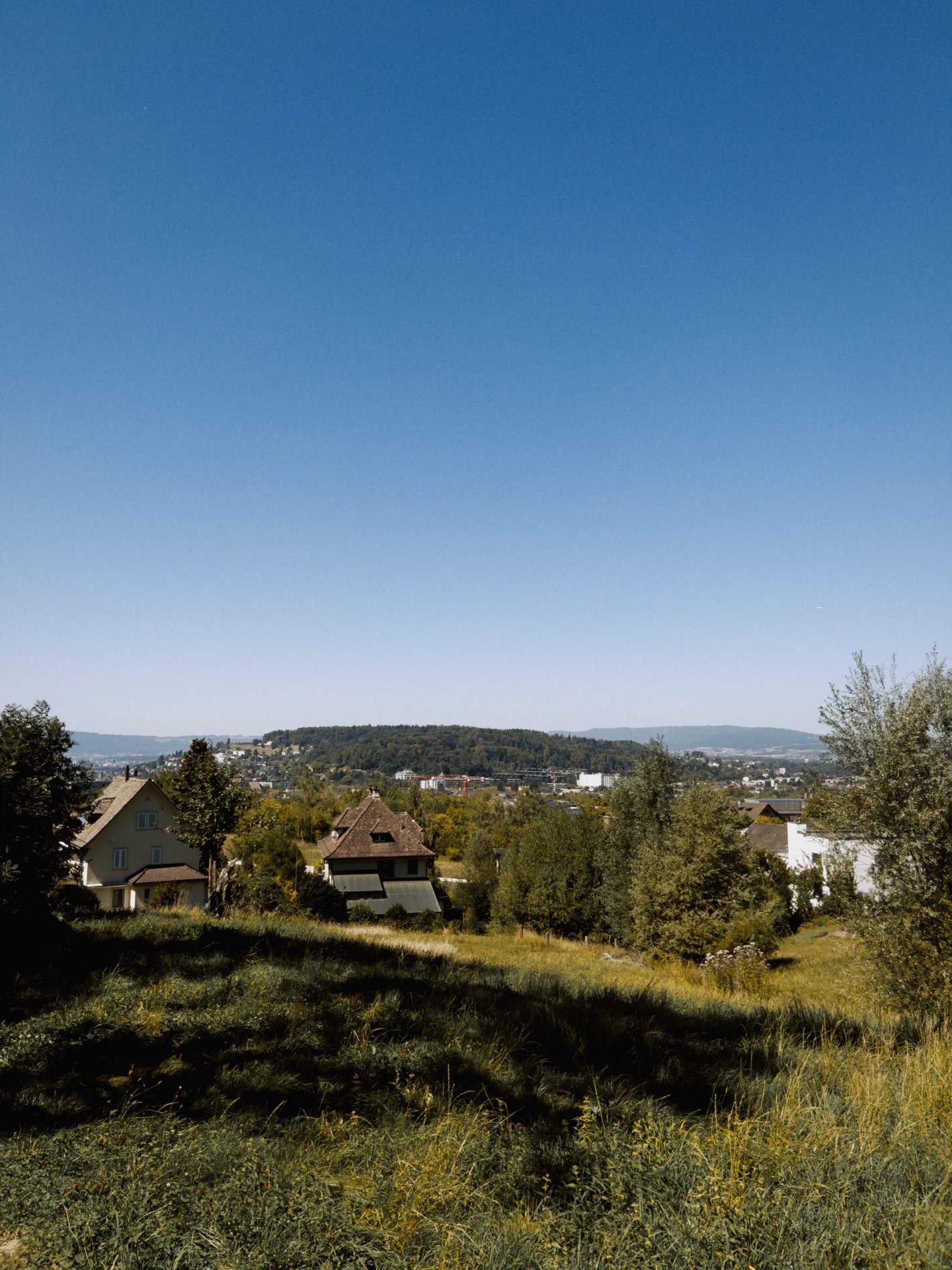
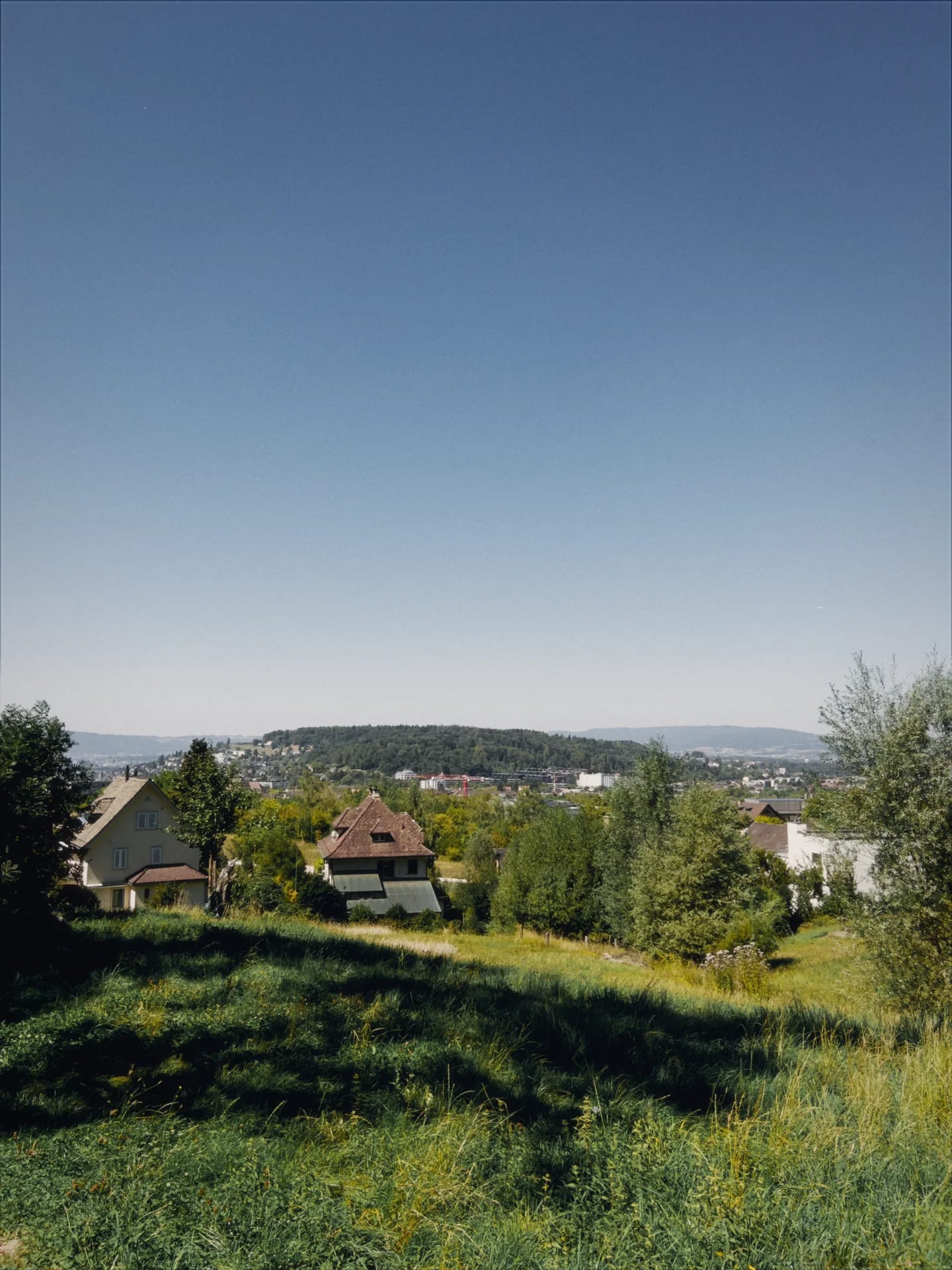
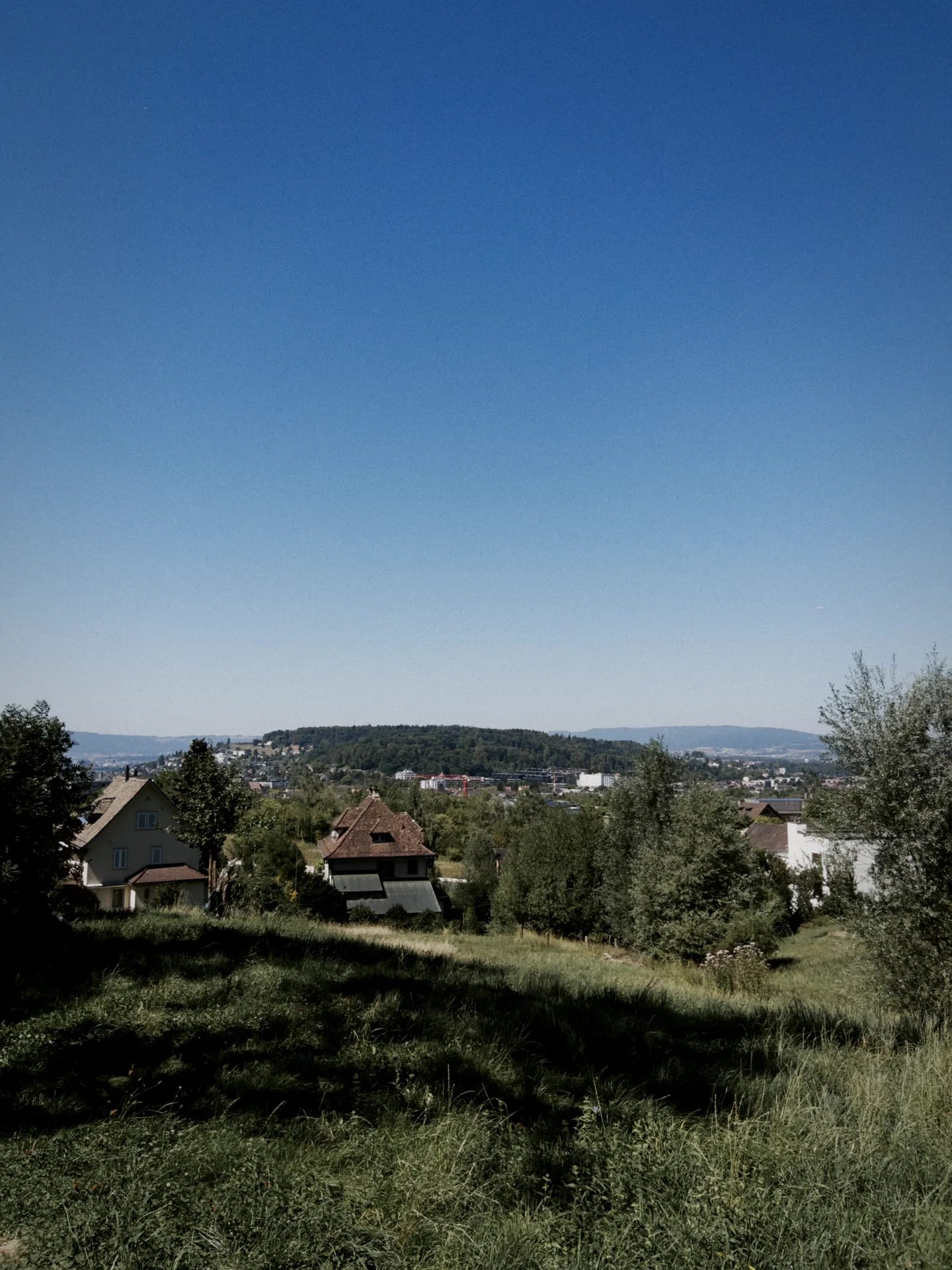
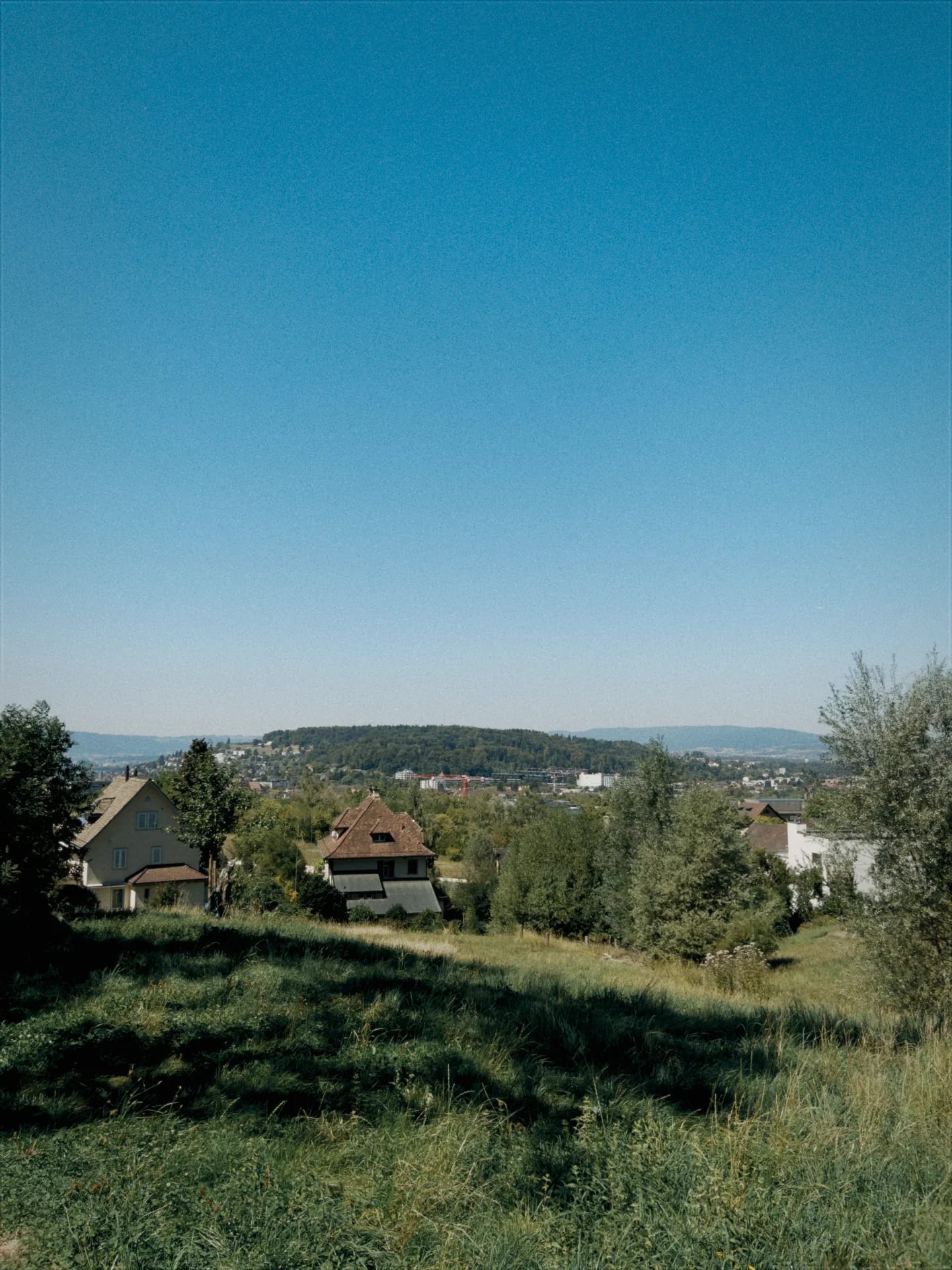
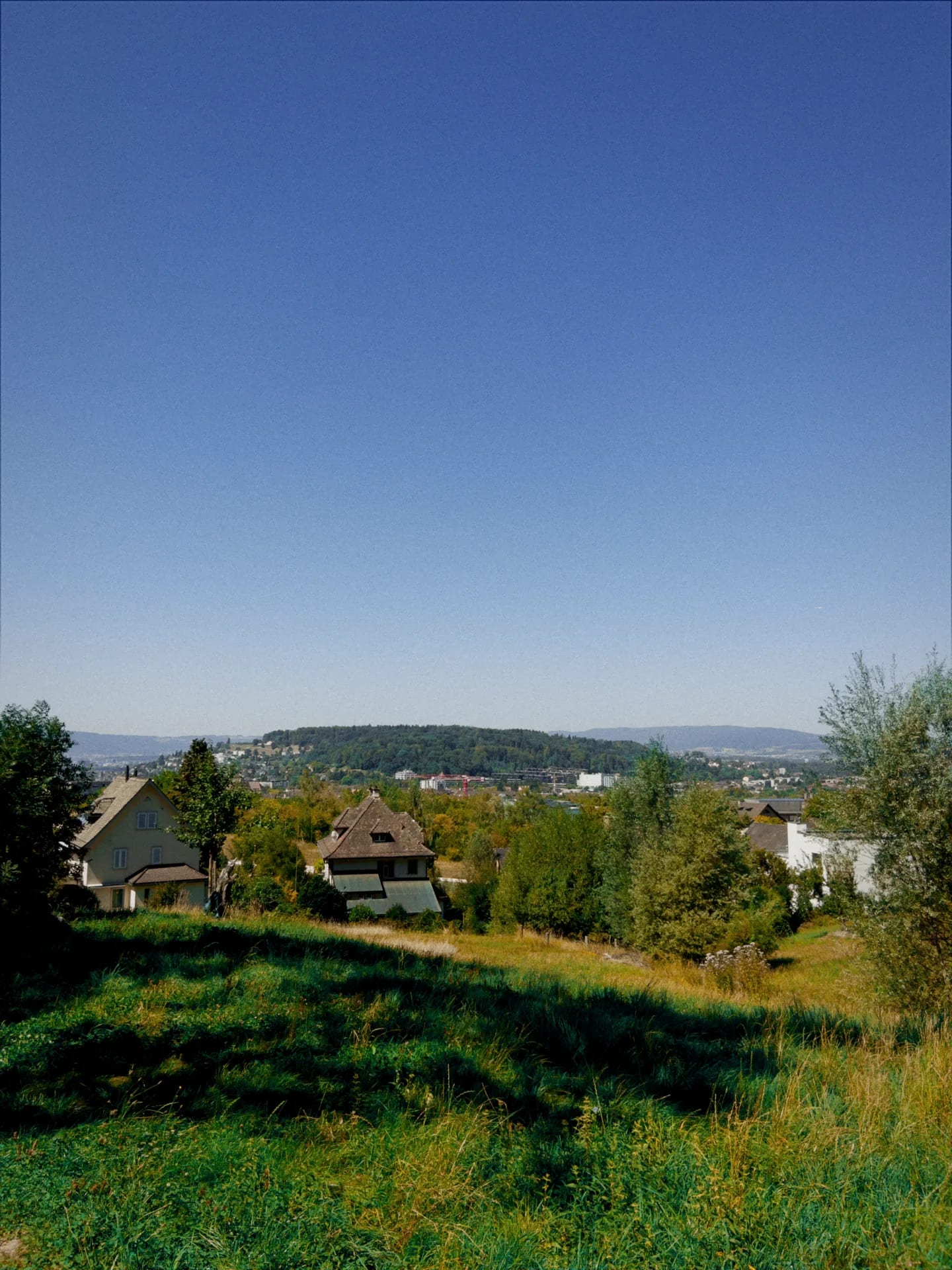

Natural Vibe selected, film emulation on
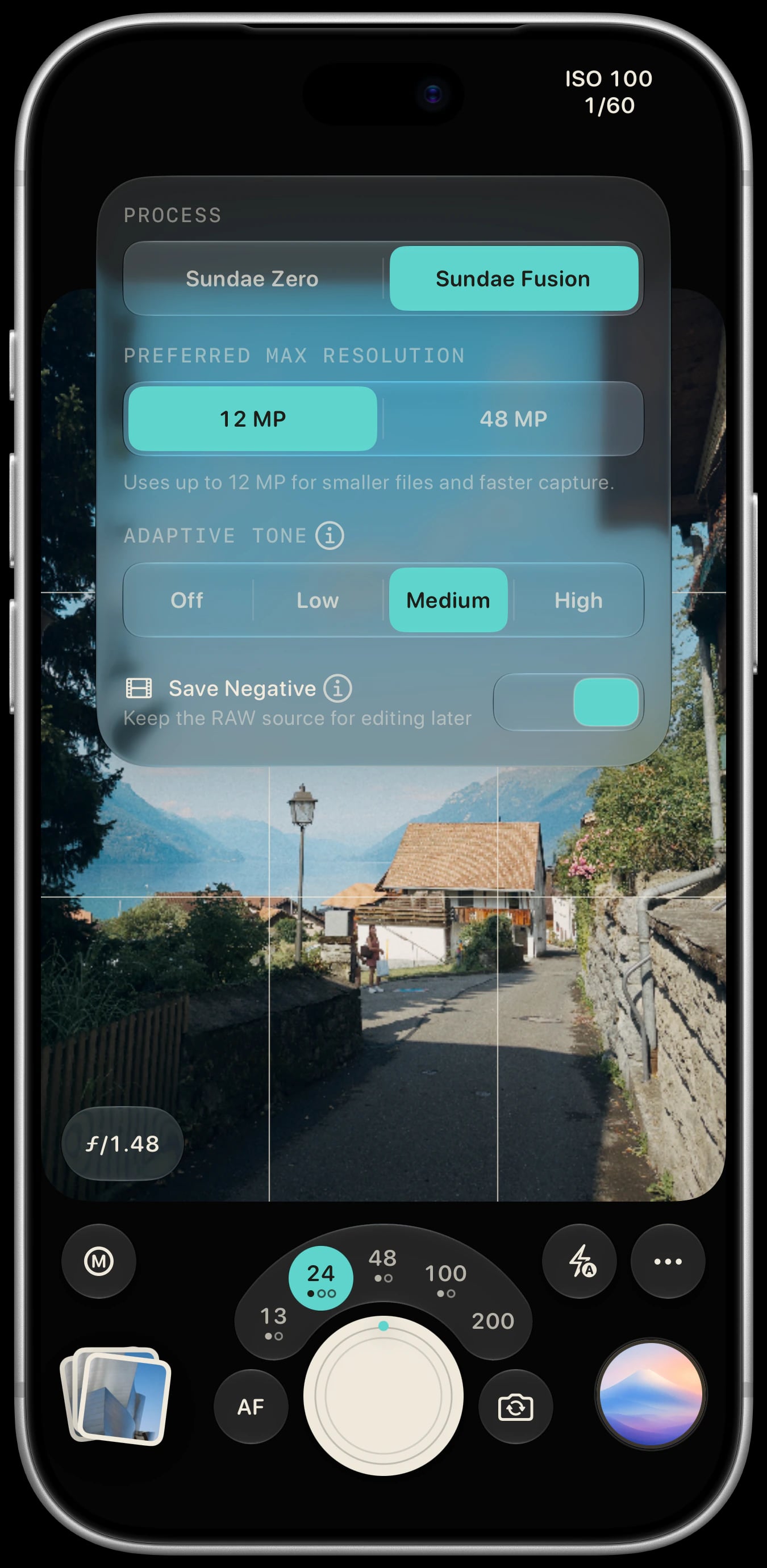
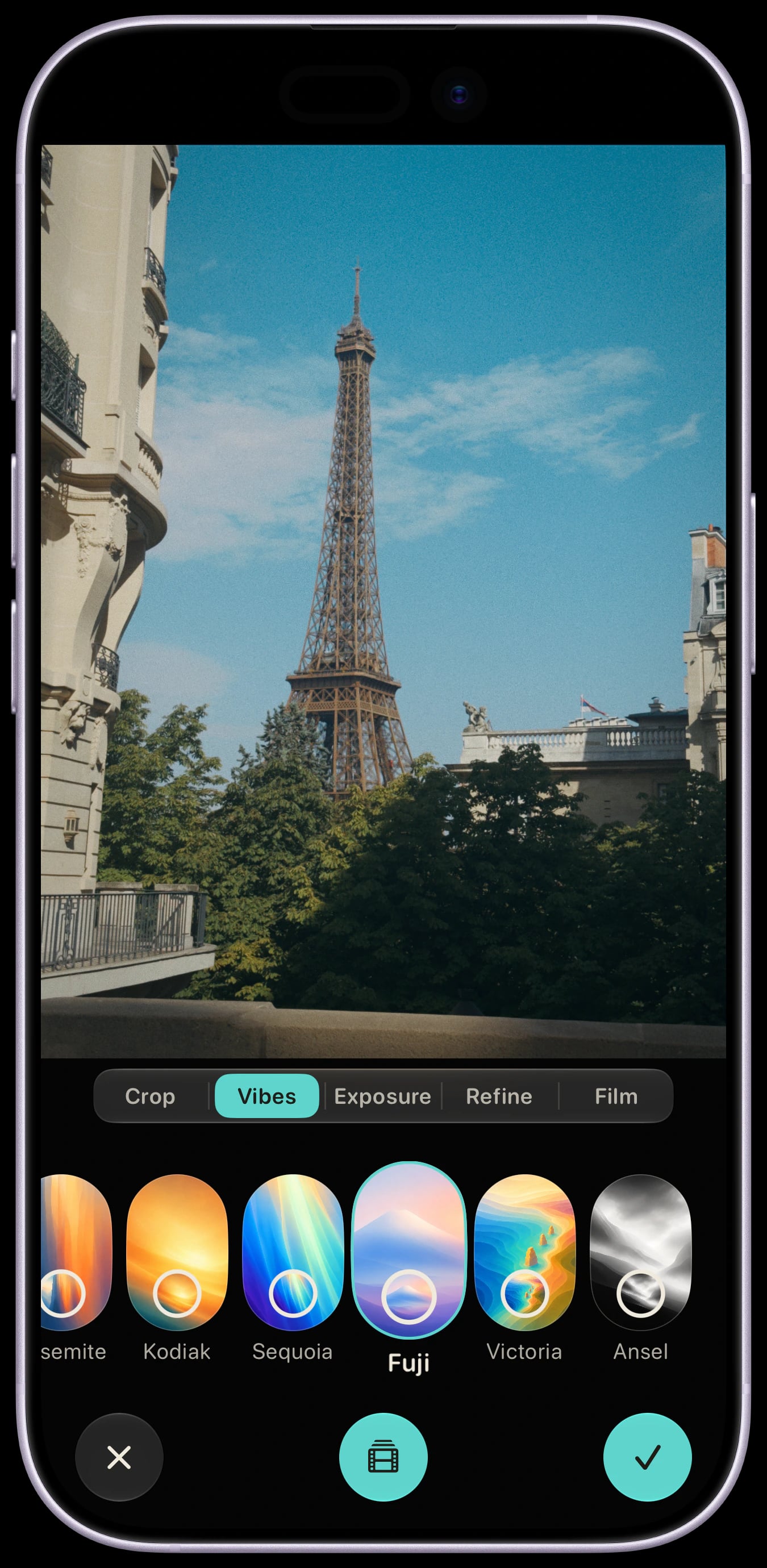
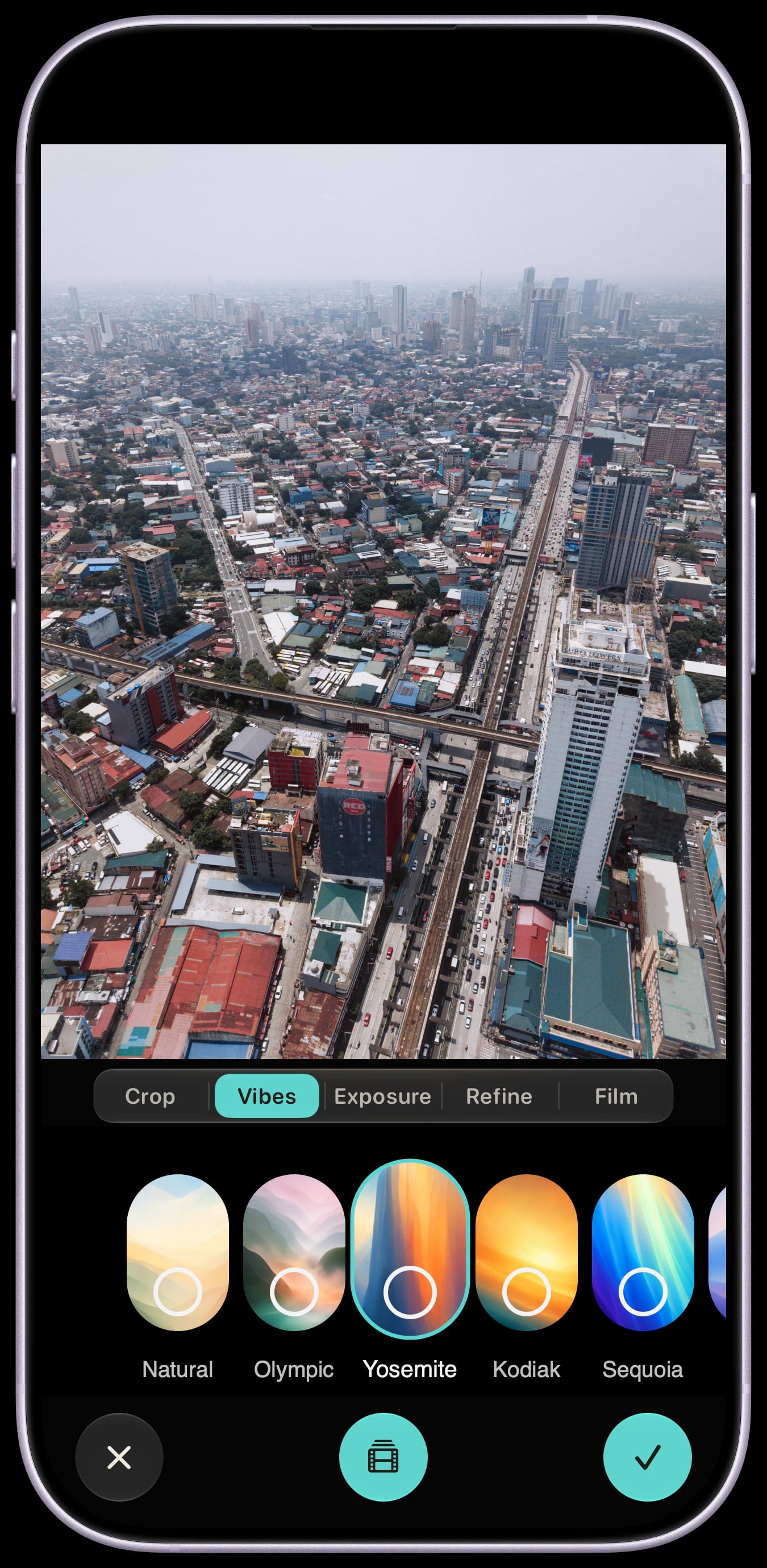
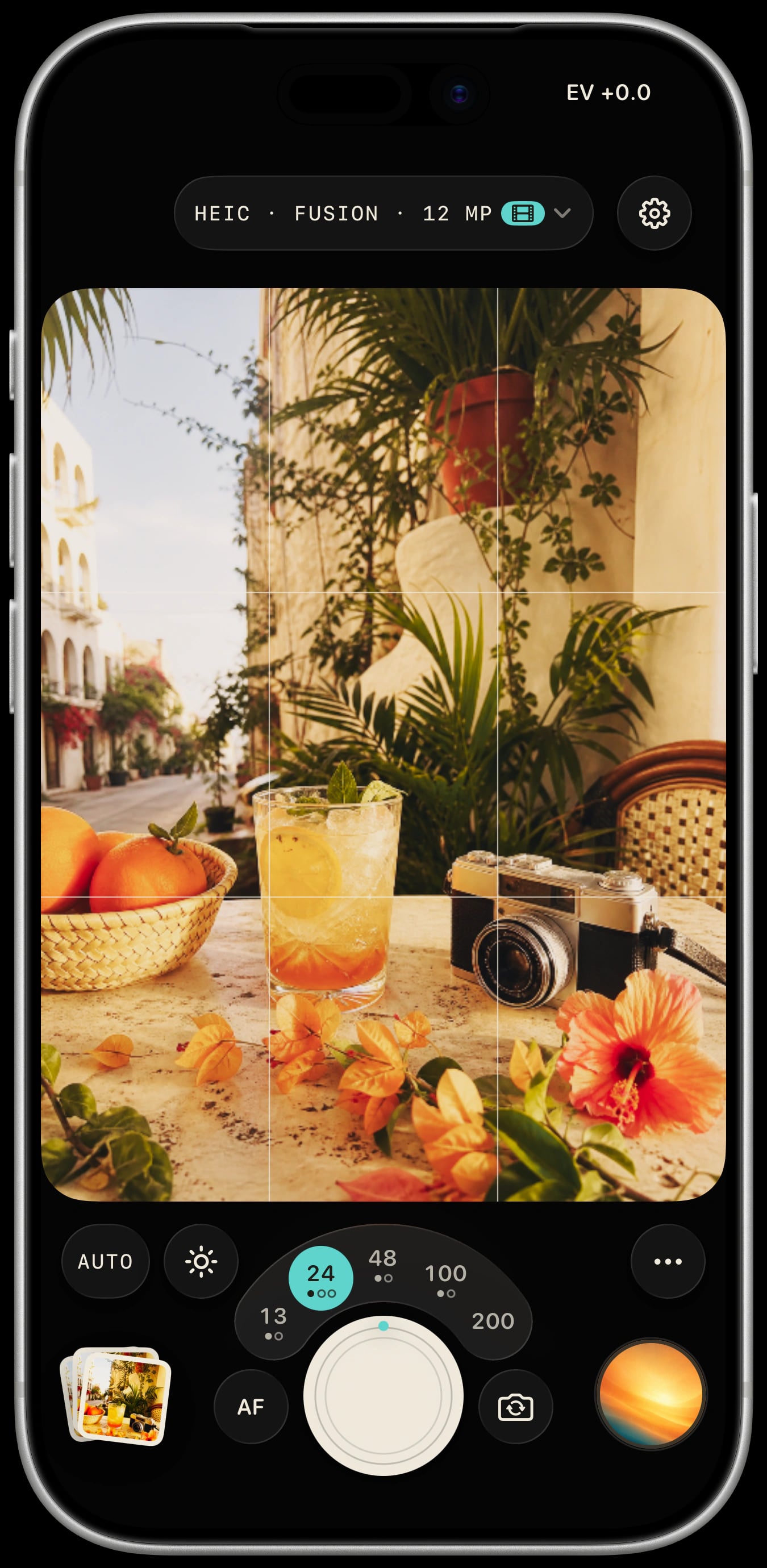
The focal-length picker and tactile haptics make Sundae feel like a camera in your hands while you compose the shot.
On supported cameras, Zero develops a single RAW frame for natural texture. Fusion uses Apple ProRAW for cleaner detail, with up to 48 MP on supported devices and lenses.
Keep a RAW negative when you shoot, then change its Vibe, exposure, color, crop, and film treatment in the Lab. The original RAW stays intact.
Import compatible RAW photos into Apple Photos, then open them in Sundae’s Lab. Choose a Vibe and adjust exposure, color, crop, and film treatment. RAW compatibility depends on iOS.
The focal-length picker and tactile haptics make Sundae feel like a camera in your hands while you compose the shot.
On supported cameras, Zero develops a single RAW frame for natural texture. Fusion uses Apple ProRAW for cleaner detail, with up to 48 MP on supported devices and lenses.
Keep a RAW negative when you shoot, then change its Vibe, exposure, color, crop, and film treatment in the Lab. The original RAW stays intact.
Import compatible RAW photos into Apple Photos, then open them in Sundae’s Lab. Choose a Vibe and adjust exposure, color, crop, and film treatment. RAW compatibility depends on iOS.
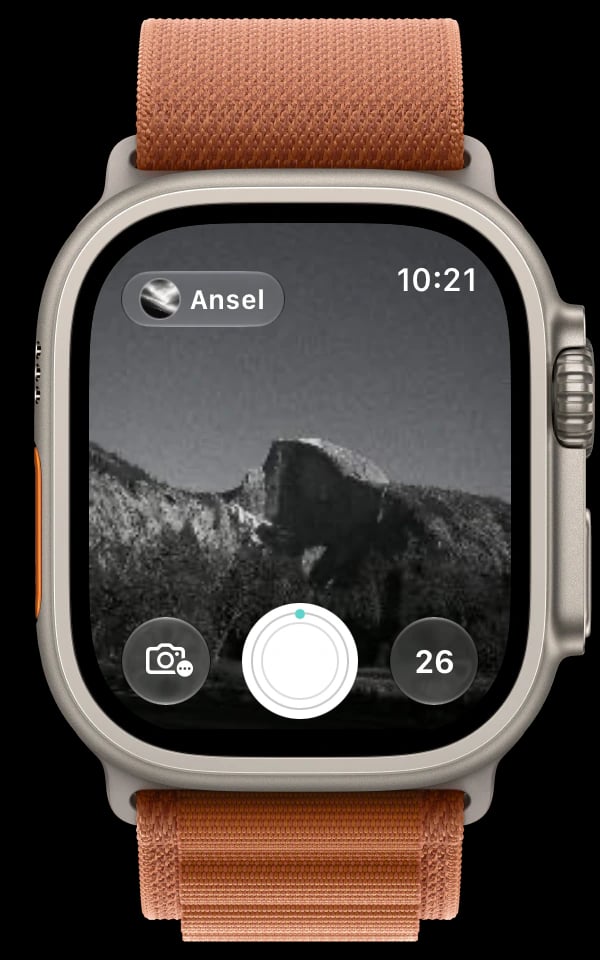
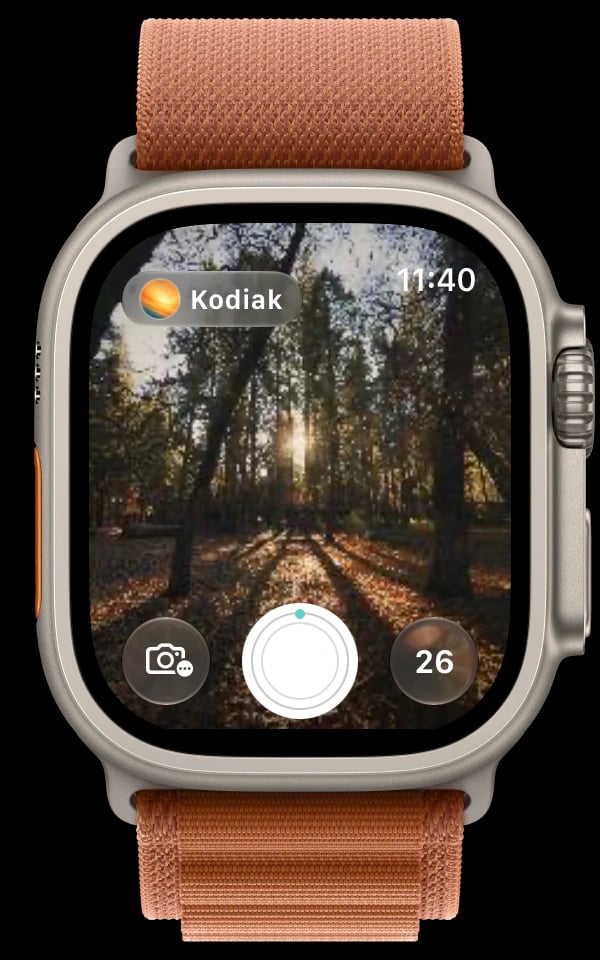
When your iPhone is out of reach, you can preview the shot, choose a Vibe, and press the Shutter from your Apple Watch. Keep Sundae open on your nearby, paired iPhone. Requires watchOS 11 or later.